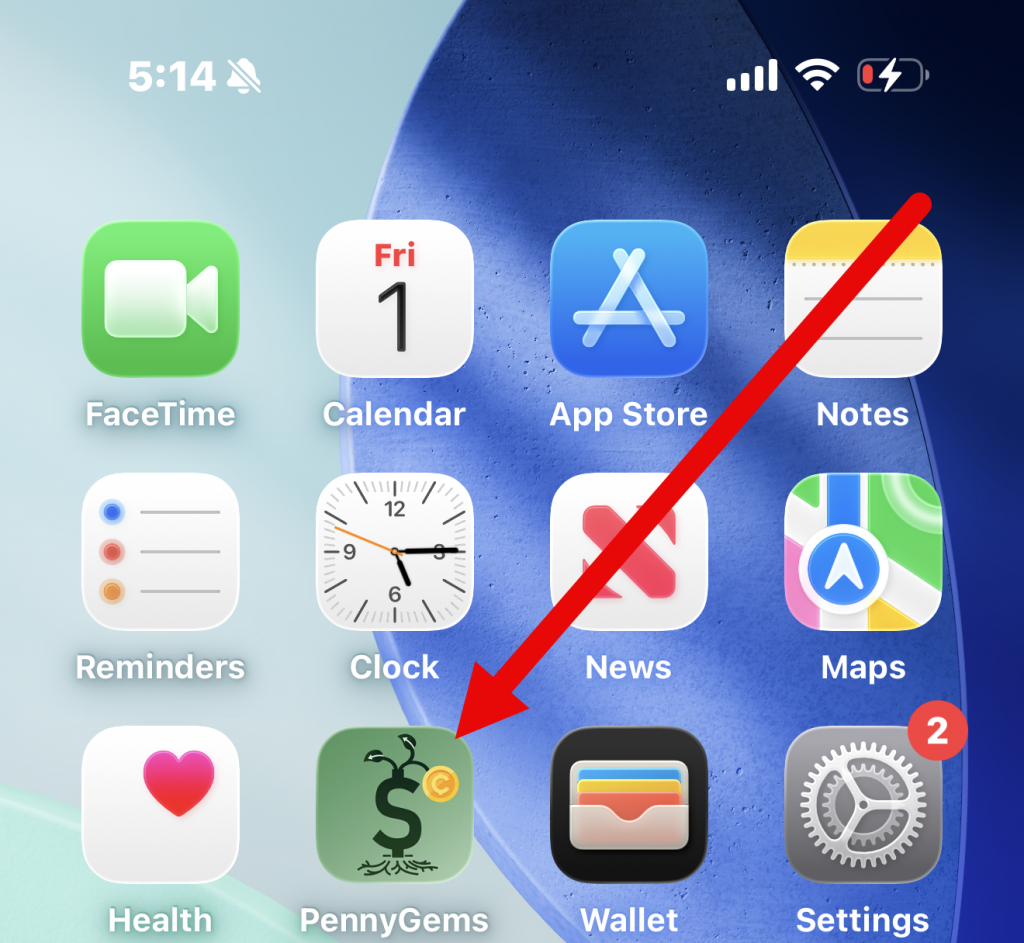
Open the PennyGems app on your iPhone or Android device.
Look for the green PennyGems app icon on your home screen.
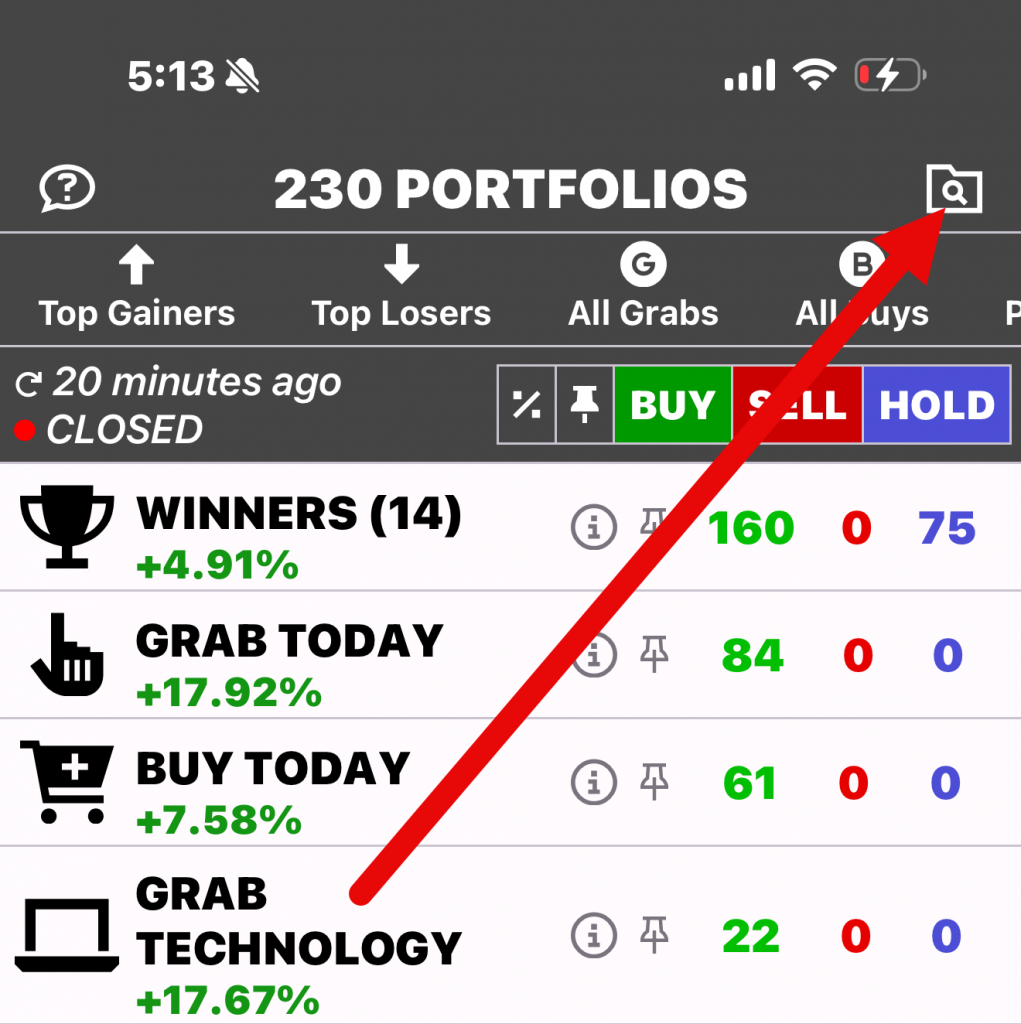
After the app opens, you will see a list of portfolios available in the app. In the upper-right corner of the screen, tap the search icon that looks like a folder
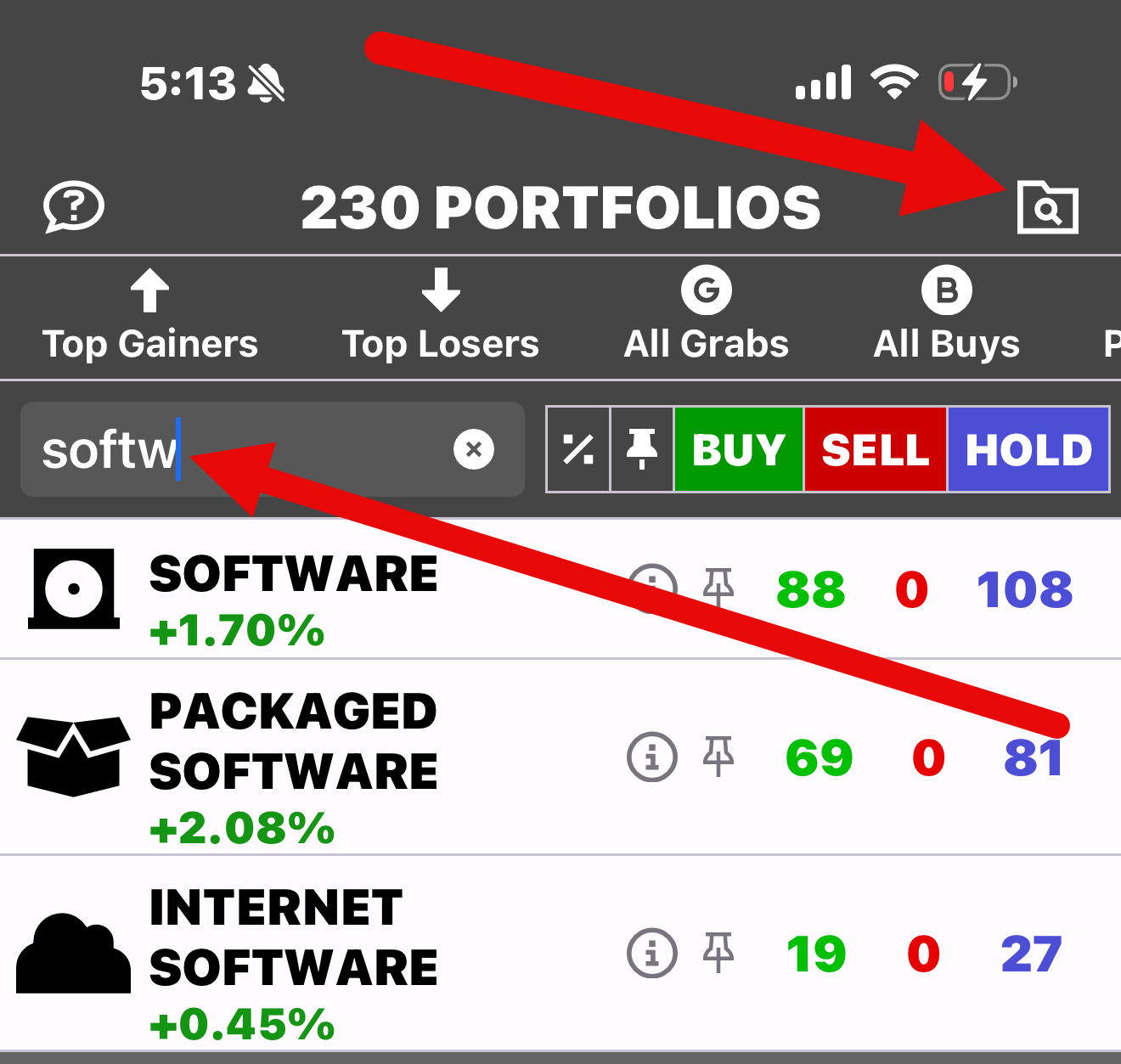
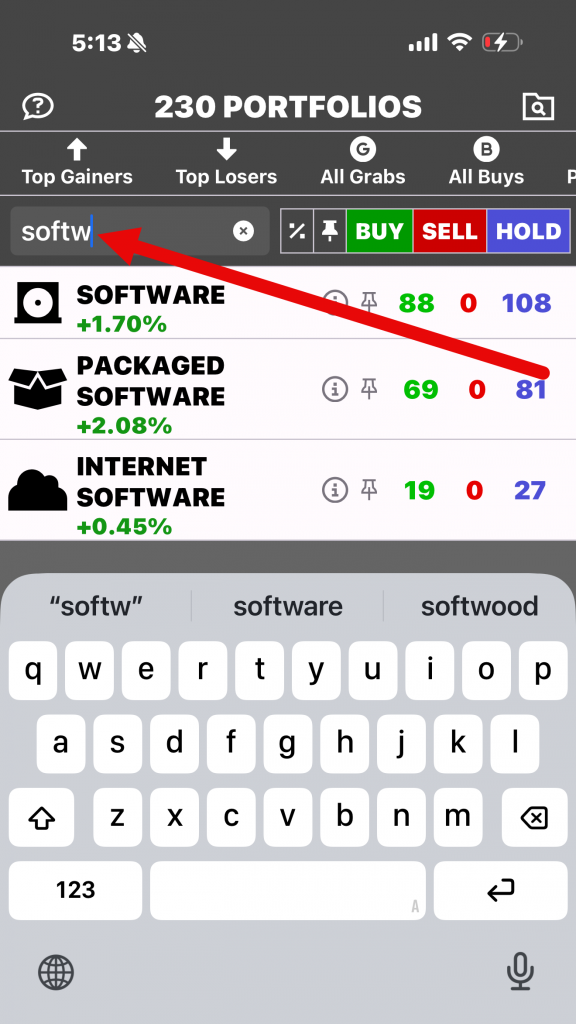
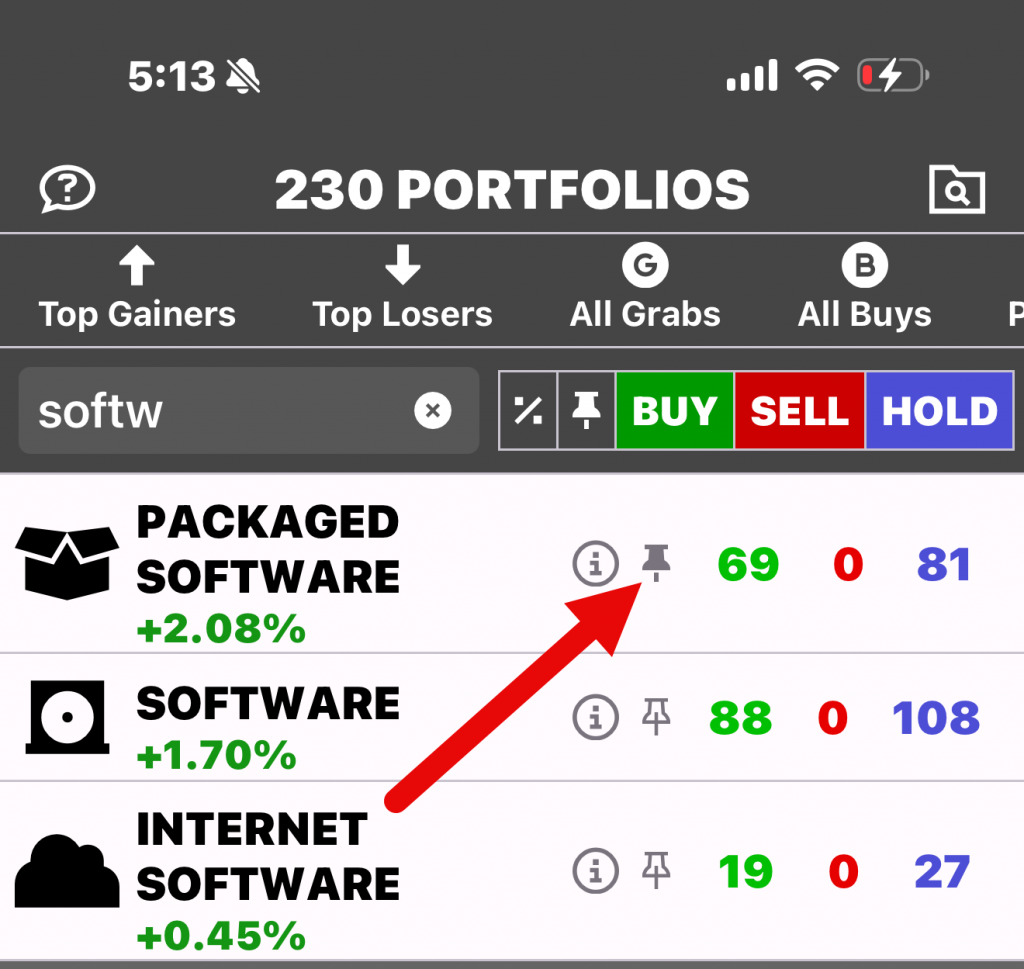
Enter the name of the portfolio you are searching for, such as “Software.” The app will instantly display a list of portfolios containing the word “Software” in their names.
Once you find the portfolio you want, tap the pushpin icon next to it.
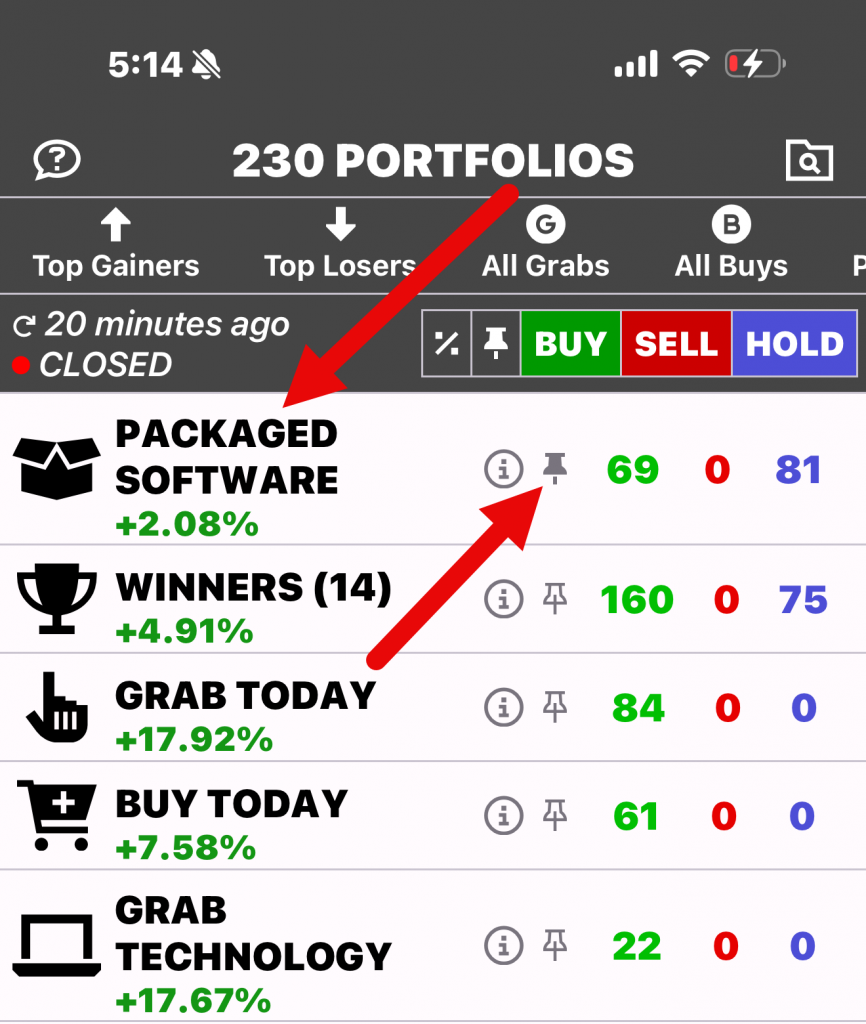
The selected portfolio will now appear at the top of the app as one of your favorite portfolios, making it easier to access without searching for it again.
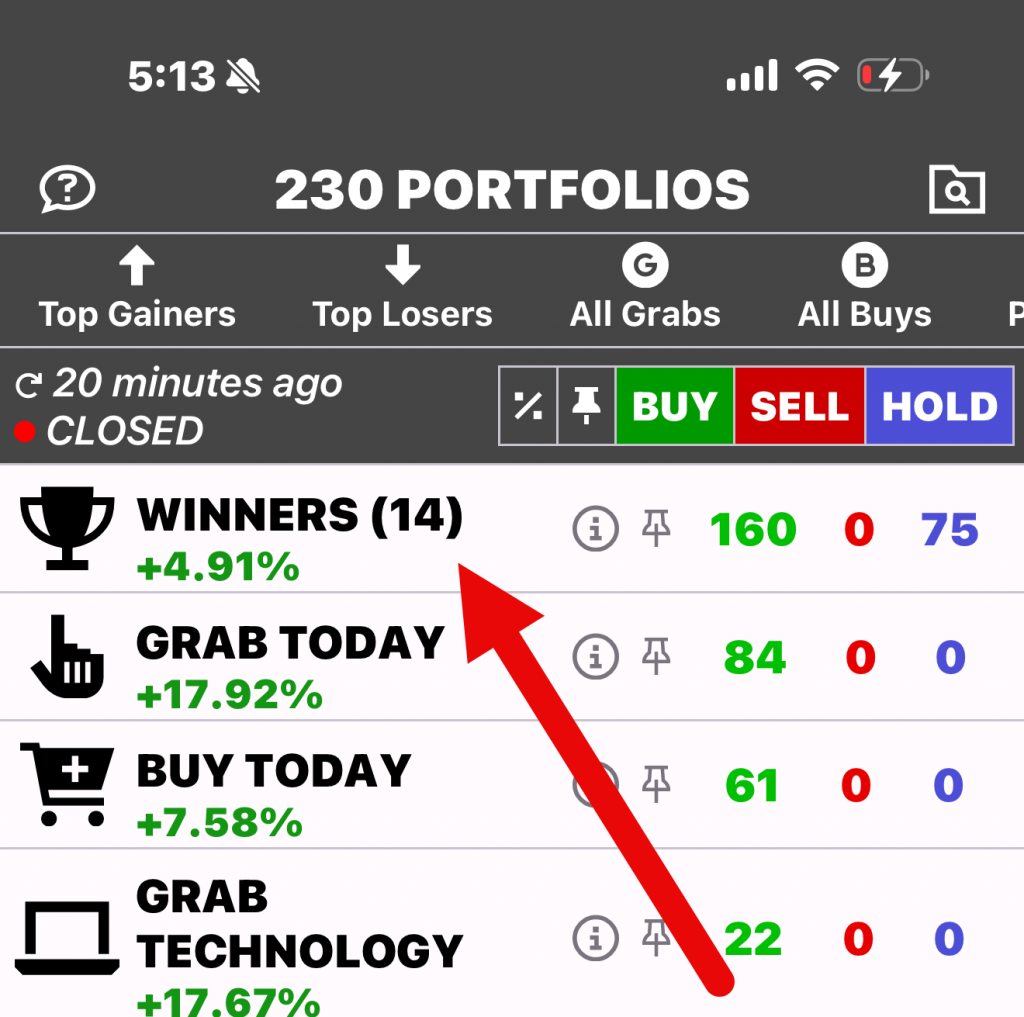
If you no longer want the portfolio marked as a favorite, simply tap the pushpin icon again. The portfolio will return to its original position in the list.
Leave a Reply